Prompter
My teleprompter for the Mac.
When you read from notes on a call, your eyes give you away. They drop to the notes, slide across and come back up, and everyone can tell. On a laptop the camera is at the top of the screen, so that's where the notes should be. Prompter hangs your script from the notch, right under the lens, follows along as you say it, and stays out of the screen share, so the only person who ever sees it is you.

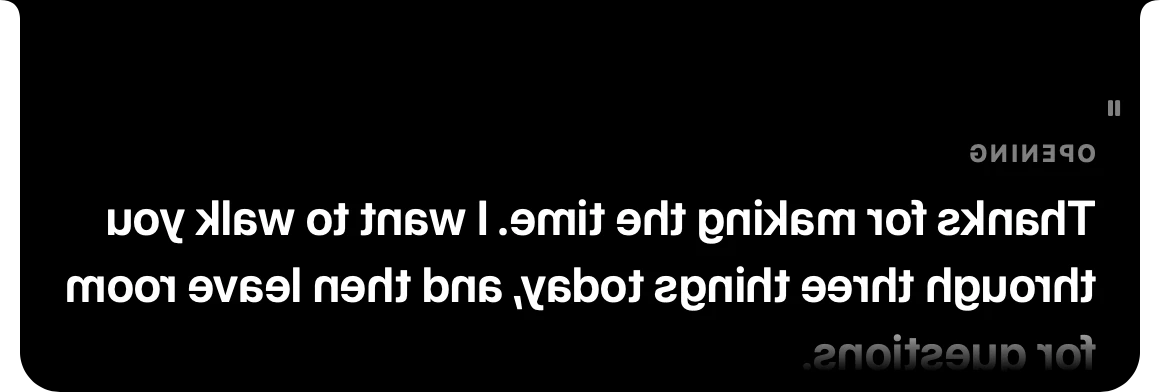
It follows what you say
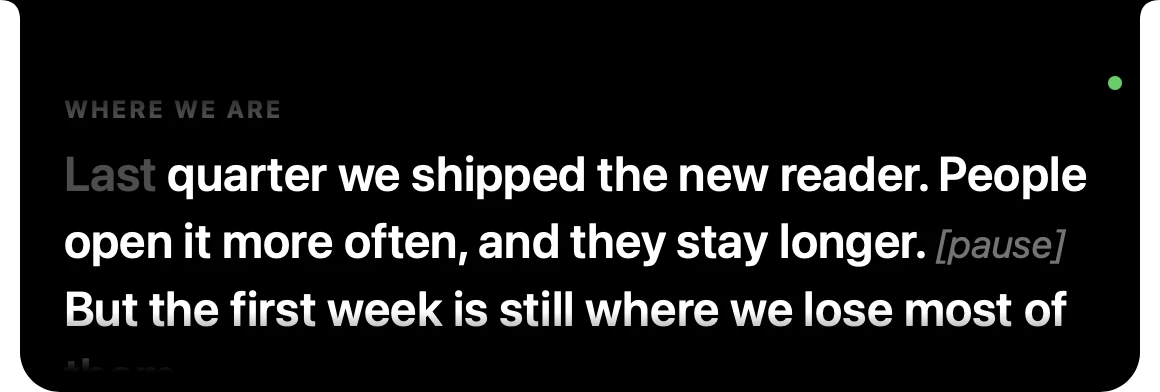
Most teleprompters scroll at a speed, or scroll while they hear sound. Prompter listens for the script's own words. As you talk, it lines up what it just heard with the lines ahead of you, greys out what you've said and brings the next line up under the camera. Stop to answer a question and it waits. Go off script and it doesn't budge. Skip a paragraph and it catches up a few words later.
A drawing of Follow mode, at about talking speed. The real one is the picture below.
The speech recognition runs on your Mac whenever the language allows it, and nothing it hears is written down. When you'd rather keep the microphone out of it, Voice mode just scrolls while you talk, and Steady mode scrolls at a set speed, like a classic teleprompter.
Only you can see it
The prompter is left out of screen shares, recordings and screenshots. Share your slides and the call sees your slides. You see your slides with your notes over them.

Scripts are plain text
Write them in the scripts window, which tells you how long each one takes to say, or in any editor, since they're ordinary text files on your Mac. A line starting with # is a cue you can jump to mid-talk, and anything in square brackets is a note to yourself. Neither is ever read as script.
# Where we are
Last quarter we shipped the new reader. [pause]
But the first week is still where we lose most of them.
Out of the way
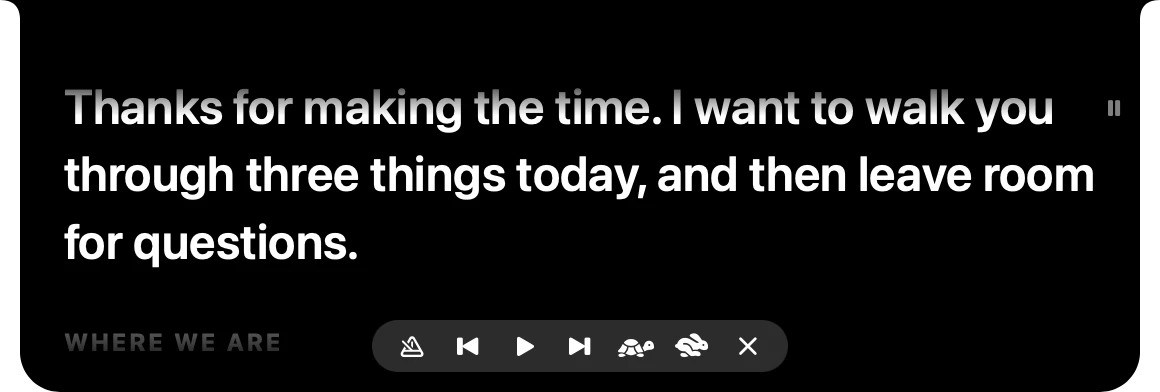
- Hover to pause it and bring up a small bar: mode, cues, speed and close. Click to pause or play, and scroll to move by hand.
- Shortcuts from any app, so you never hunt for a window mid-call: ⌃⌥P shows and hides it, ⌃⌥Space pauses, ⌃⌥] and ⌃⌥[ jump between cues.
- Never in your way. It doesn't take the keyboard from the call, it stays over full-screen apps and on every Space, and it lives in the menu bar.
Make it yours
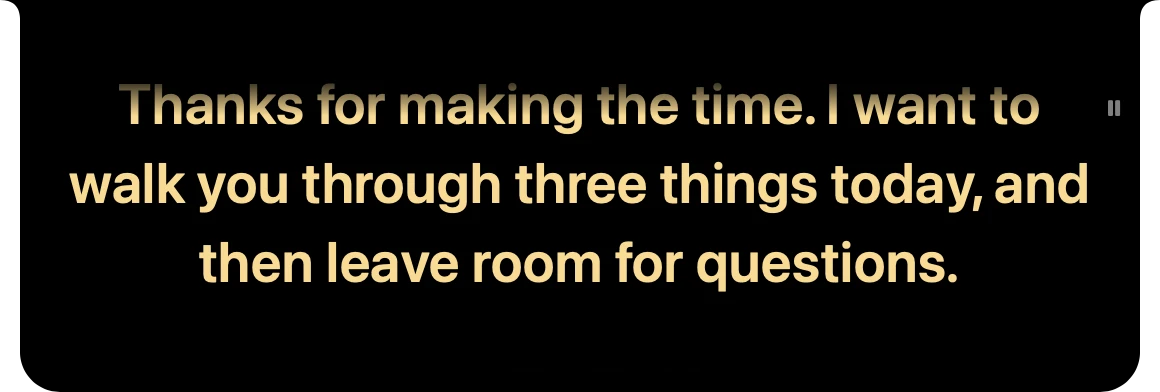
Text size, colour, line spacing and alignment change live while you rehearse. Floating turns it into a card you can put anywhere, for a webcam that isn't at the top of the screen, and Mirror flips it for reading off a real teleprompter's glass.
Get it
Download the DMG, open it, and drag Prompter into Applications. There's nothing to host, because it's just a Mac app.
It's signed with my own identity rather than one Apple has checked, so the first time you open it, macOS says it can't check it. Click Done, then go to System Settings › Privacy & Security, scroll down to where it says Prompter was blocked, and click Open Anyway. You only do that once. Then pick a script and press Start.
Or build it yourself from the code, which takes about a minute with the Xcode Command Line Tools and XcodeGen:
git clone https://github.com/franz-rosenzweig/prompter.git
cd prompter && ./build.sh
cp -R build/Prompter.app /Applications/
The docs cover the rest, from writing a script to how Follow matches your words.