Kulmus
My writing practice app.
I have a whole shelf of books about writing, and I've read most of them and done almost none of the exercises, because they're buried in the chapters. Kulmus takes the exercises out of the books I own, all 1,092 of them, and gives me each one with the author's own words around it: what they wrote leading up to it, the exercise itself, and their notes after it. Then I write the page, by hand with the S Pen or on the keyboard, and it goes into my notes with everything else I write.
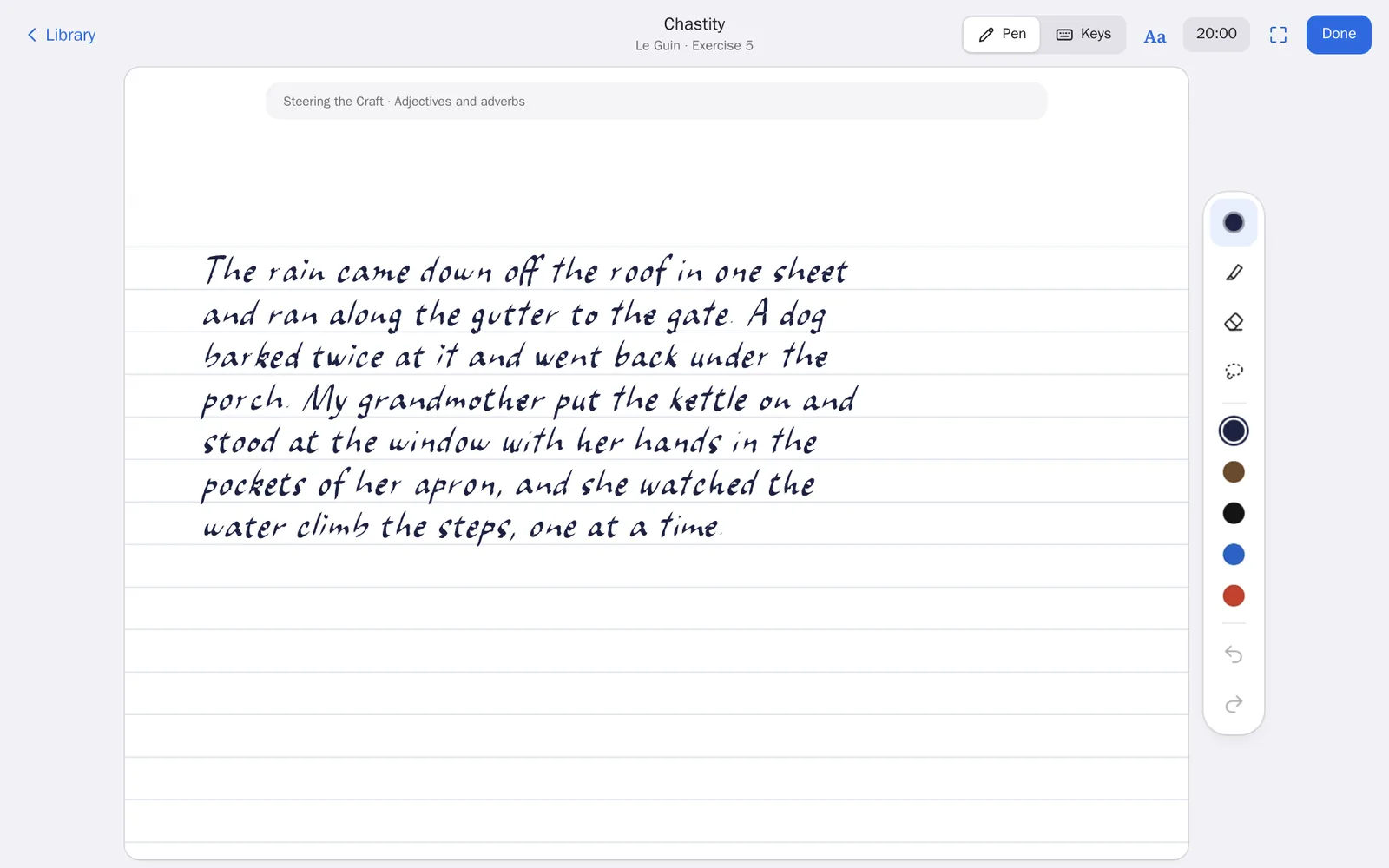
A page to write on
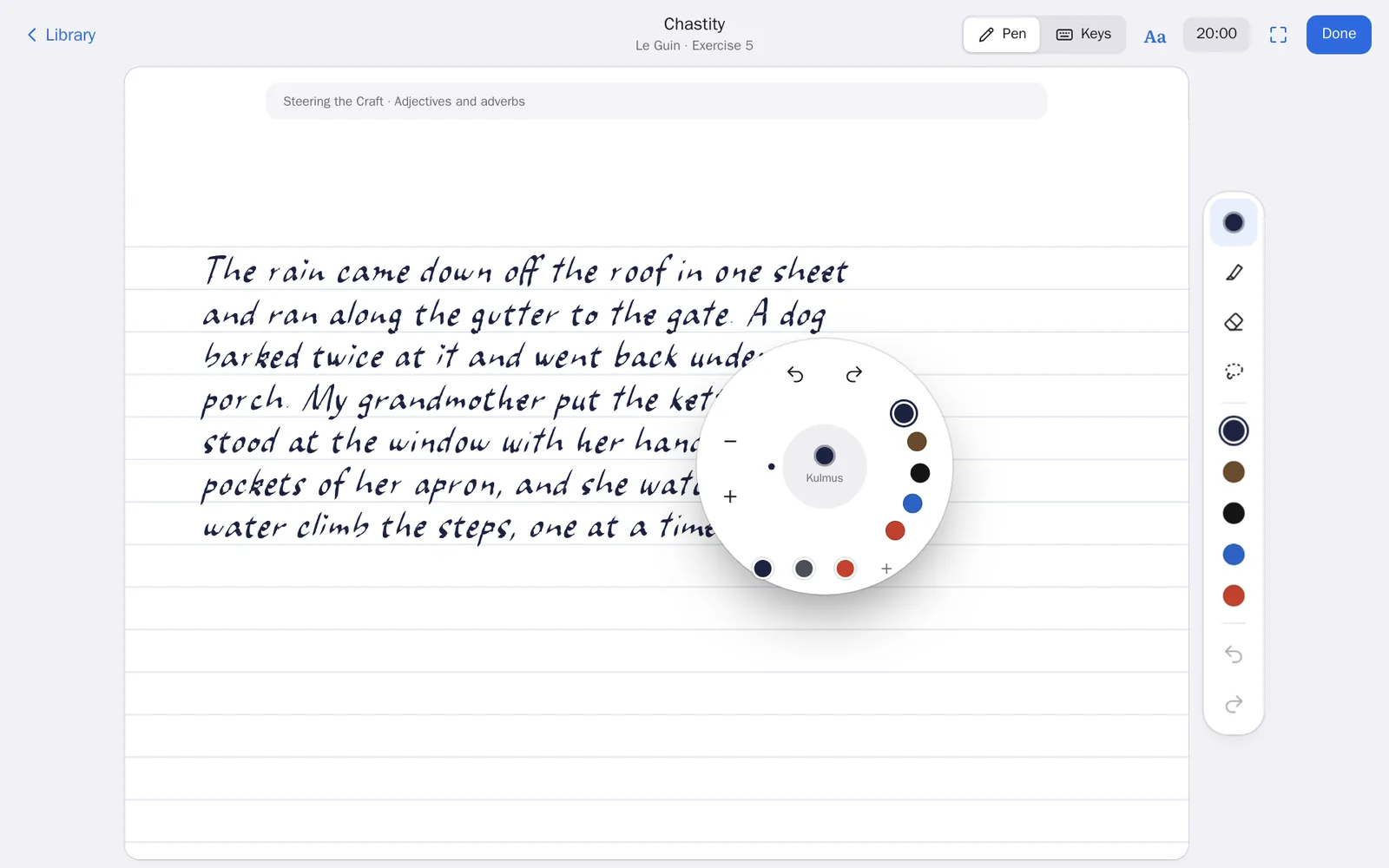
The pen page works like the handwriting in my other apps, Moshe and Daf. It has a reed pen (that's what "kulmus" means in Hebrew), a fountain pen, a pencil, a brush and a highlighter, and iron-gall ink that goes down blue and dries dark the way the real ink does. The paper keeps going as long as I do. On the tablet, the S Pen's button opens the round pen menu right where the pen is, and pressing it again closes it.
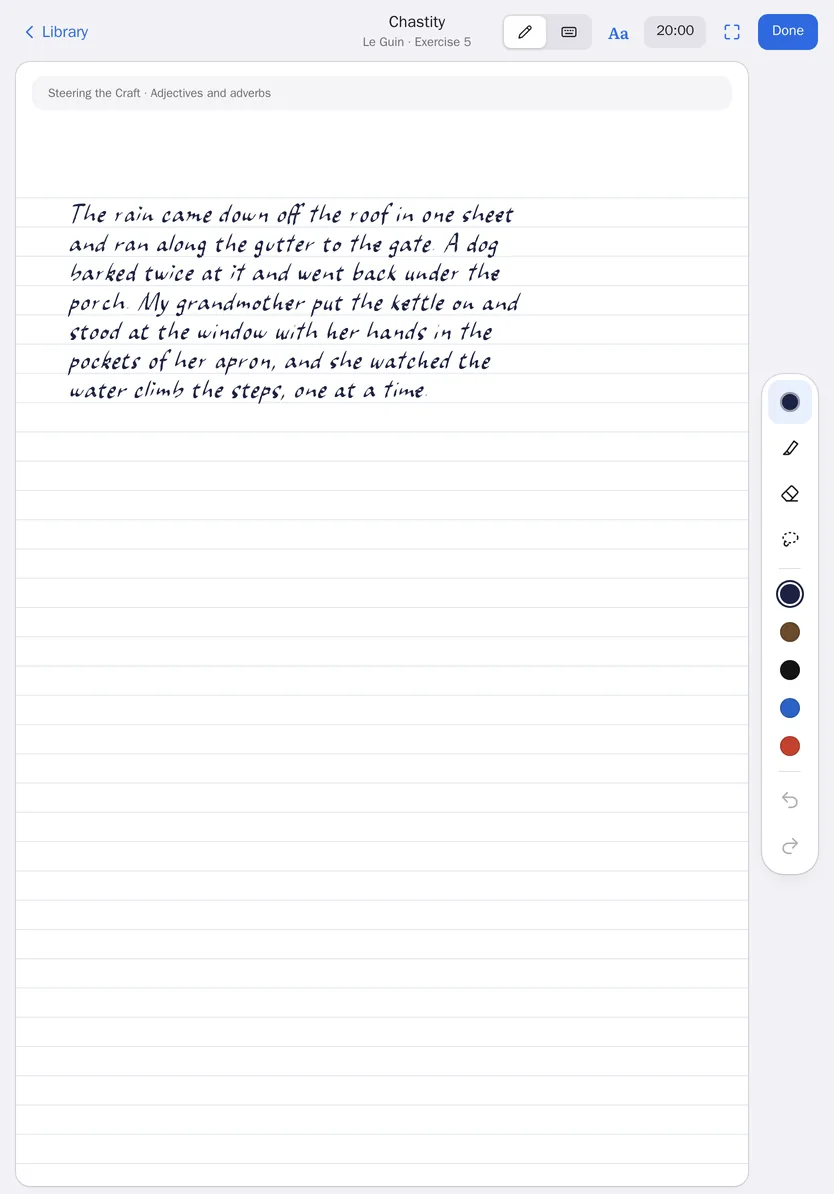
Or on the keyboard
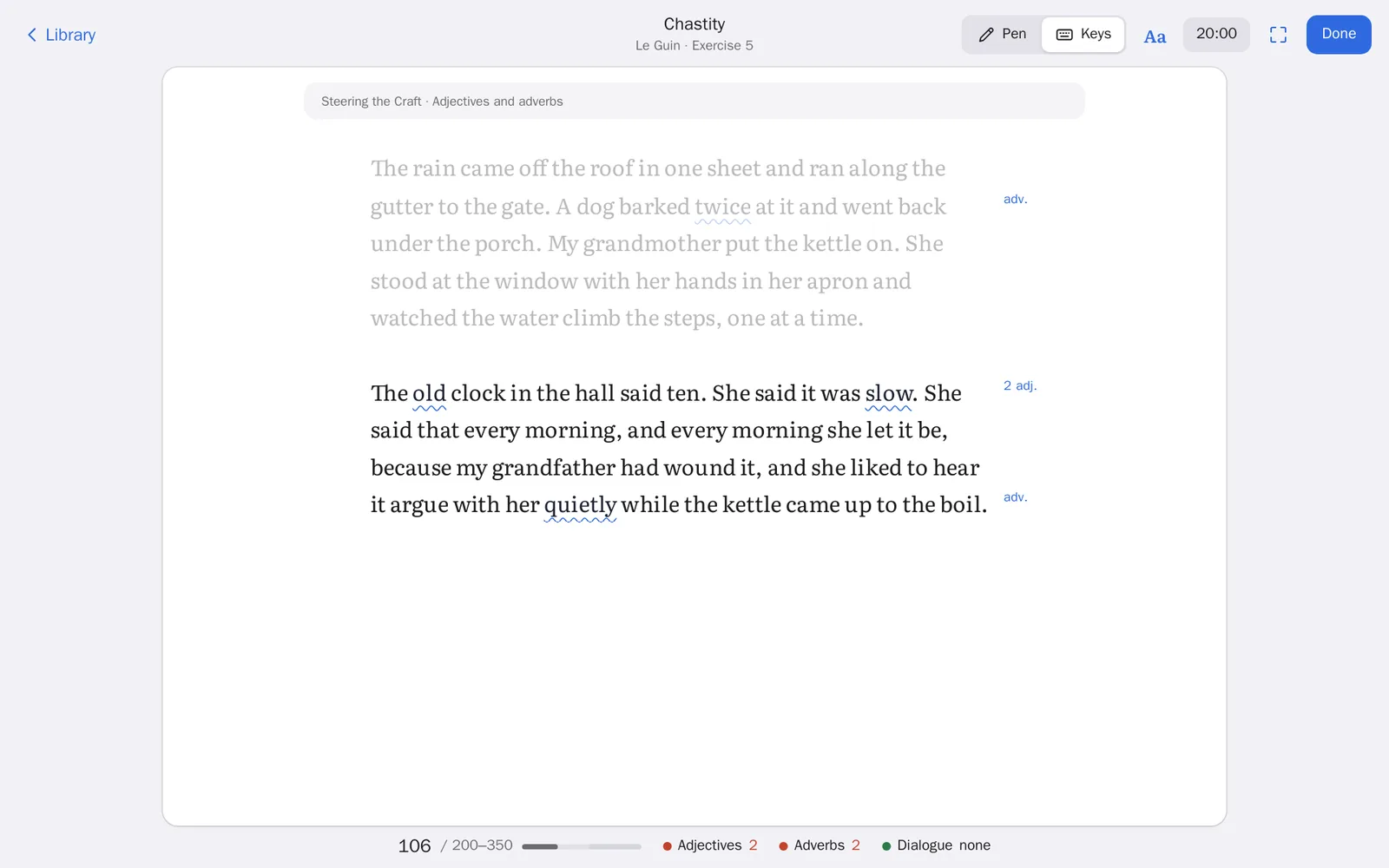
The keyboard page is a quiet typewriter, and it knows the exercise's rules. When Le Guin says no adjectives and no adverbs, the words that break it get a wavy line and a note in the margin as I type, and the bar at the bottom keeps count. When I'm done, it reads the page back to me, checks it against the rules, and shows me the author's notes again, now that I've written it.
The shelf
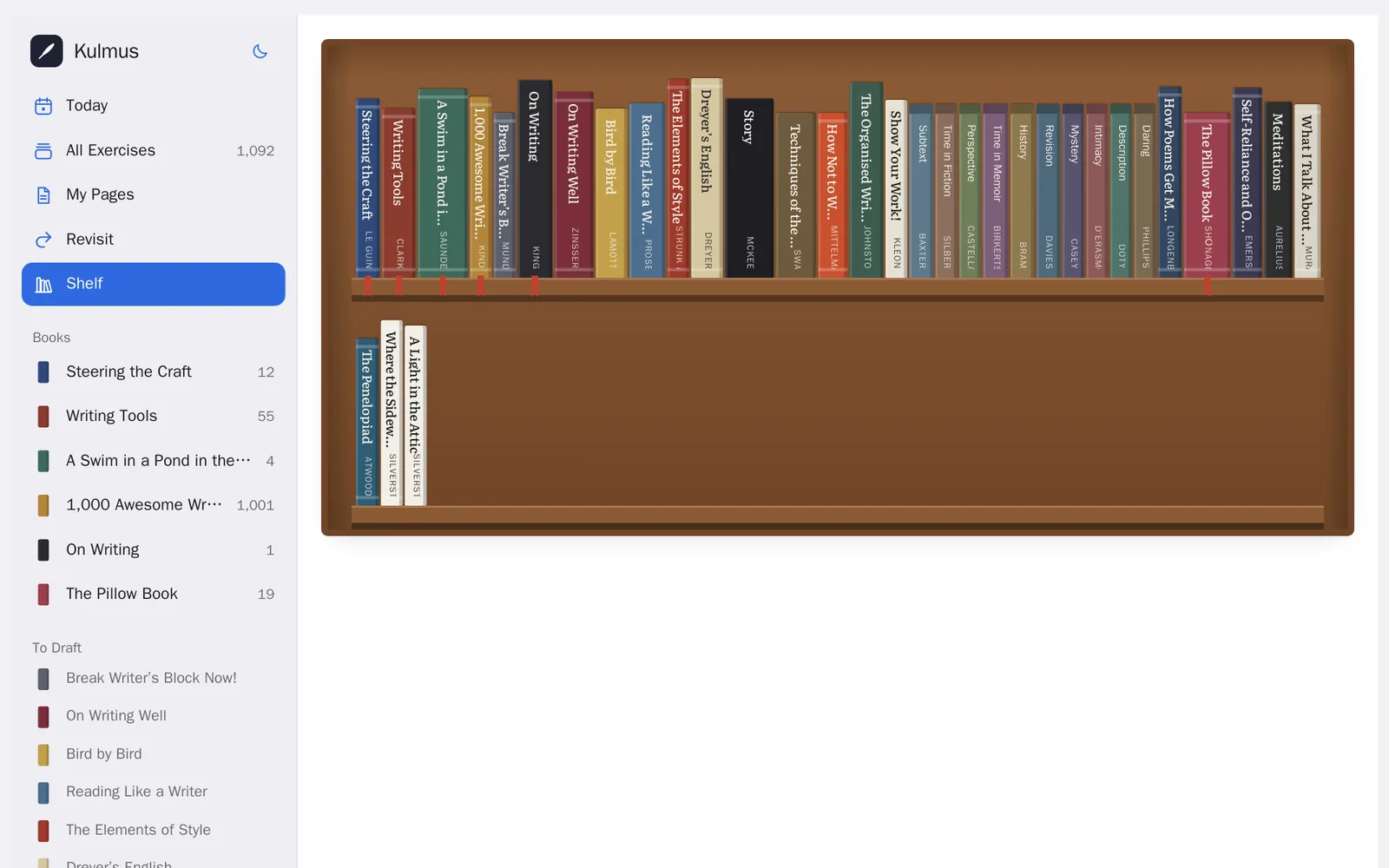
Every writing book I own is on the shelf, Le Guin's Steering the Craft, Roy Peter Clark's Writing Tools, Saunders' A Swim in a Pond in the Rain, King's On Writing and the rest. Every day there's a page from a different one, always the next exercise I haven't done, so I go through each book in order without keeping track. Saunders' three exercises at the end of his book are little games, so they have tools of their own: cutting a story in half, a story in fifty words, and ranking five translations.
Basically, it's a library and a page, and nothing else. All the writing in these pictures is my own sample text.